Wise scored 96.The one finding that repeats: its own help pop-up.
Preview
Not our client. We picked this site; nobody paid for this review.
Review made with AI. Expert check pending.
Captured 3 July 2026, on a phone.
The journey
- 01Landing
- 02The fee promise
- 03Send money: arrival
- 04Send money: the conversion block
- 05Sign-up: the email step
Every screen, pinned
GoodBad
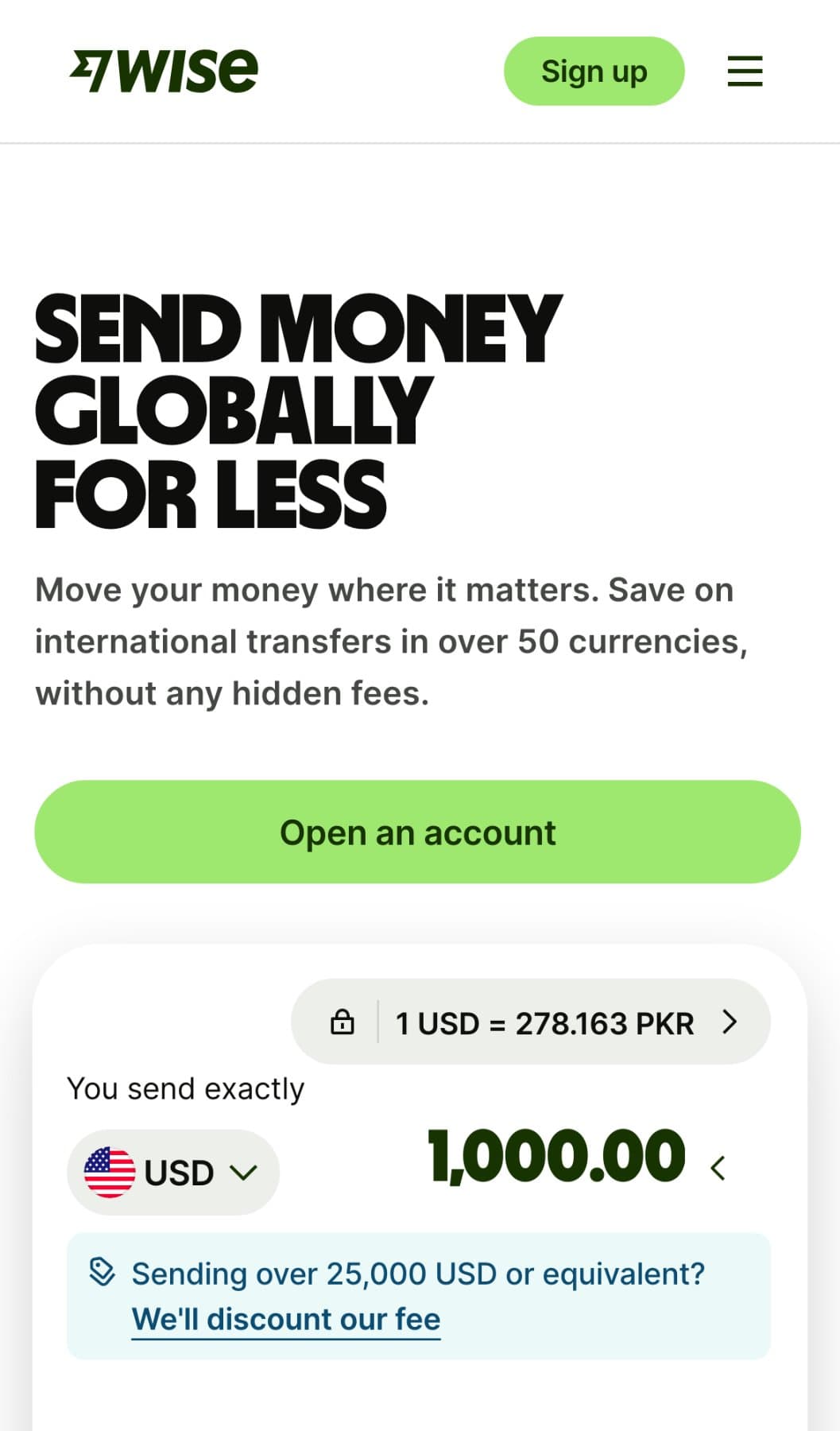
01Landing
- 4
Good · “Open an account” sits on the opening screen: one main button, full width, in thumb reach.
- 5
Good · The headline says what you get, sending money abroad for less, with its proof beside it: 50+ currencies, no hidden fees.
- 4
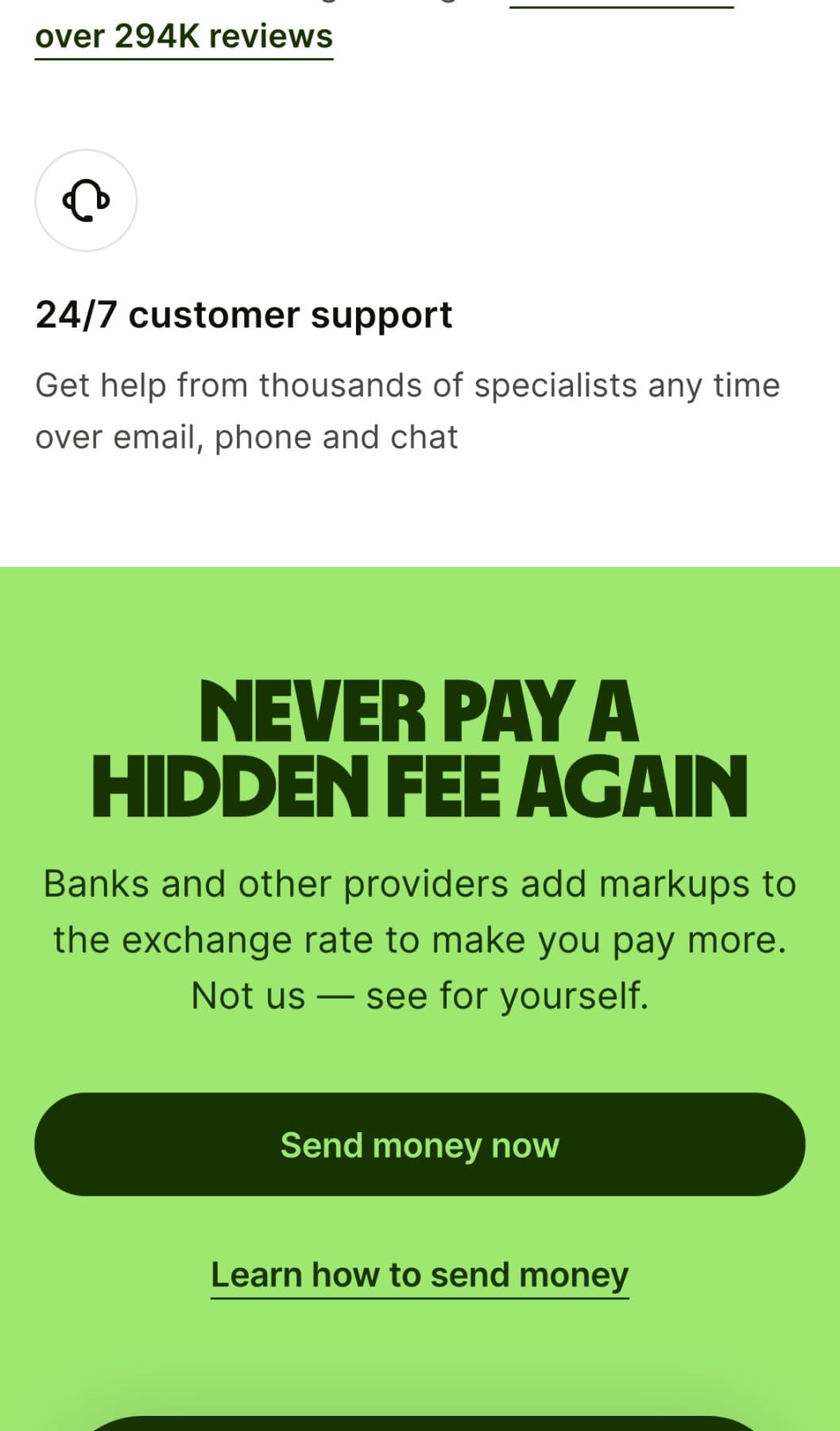
02The fee promise
- 6
Good · At every decision point, one filled main button, one text link. Never two that compete.
- 6
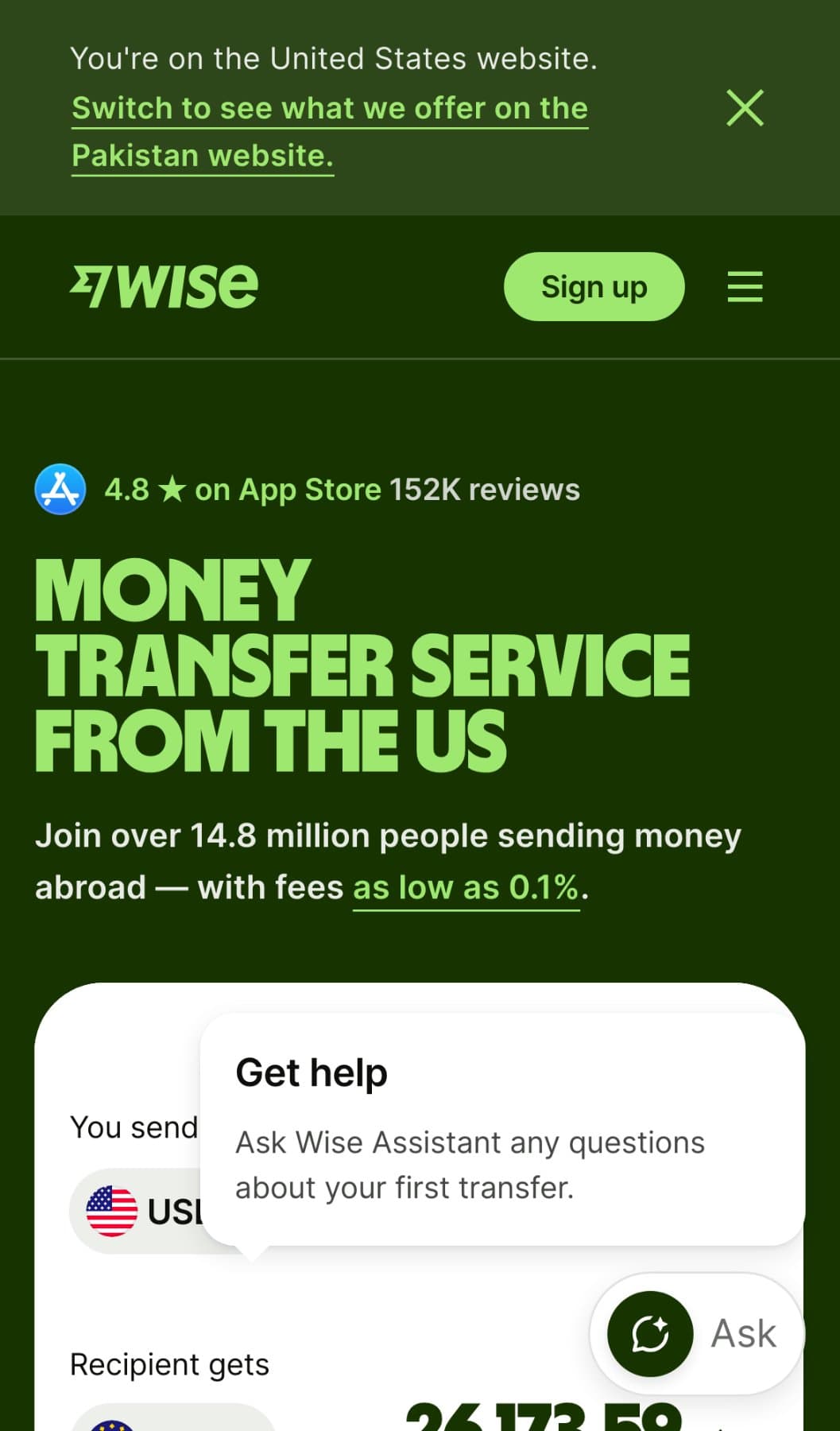
03Send money: arrival
- 1
Bad · On arrival, a help pop-up, plus a floating “Ask” button, covers the transfer calculator. The “You send” field sits behind help nobody asked for.
- 2
Bad · A visitor from Pakistan lands on the US site. The switch is a text banner that takes about 15% of the opening screen, not an automatic choice or a main button.
- 1
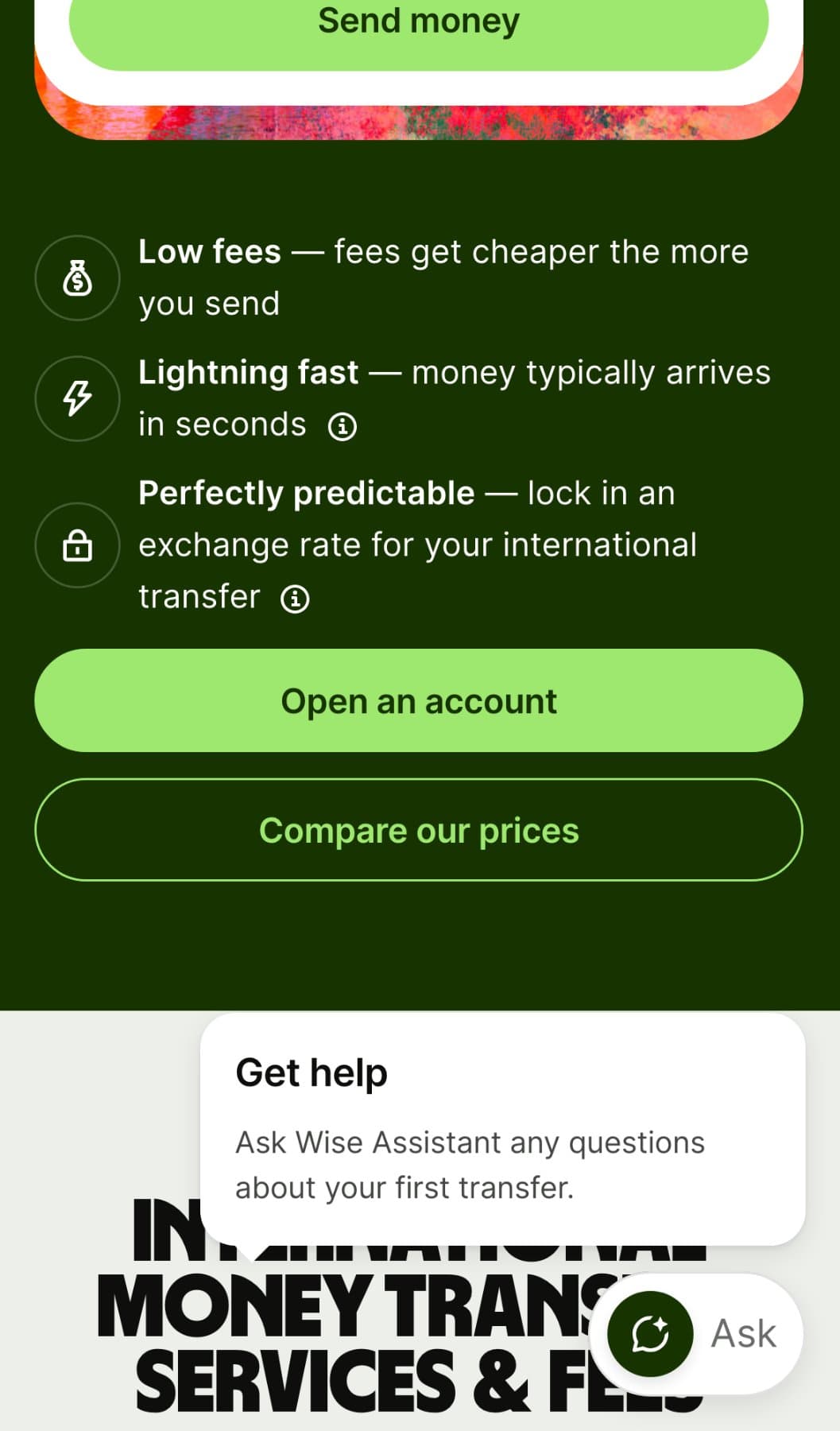
04Send money: the conversion block
- 3
Bad · Further down the page, the help pop-up opens again, over a section heading.
- 6
Good · At every decision point, one filled main button, one text link. Never two that compete.
- 3
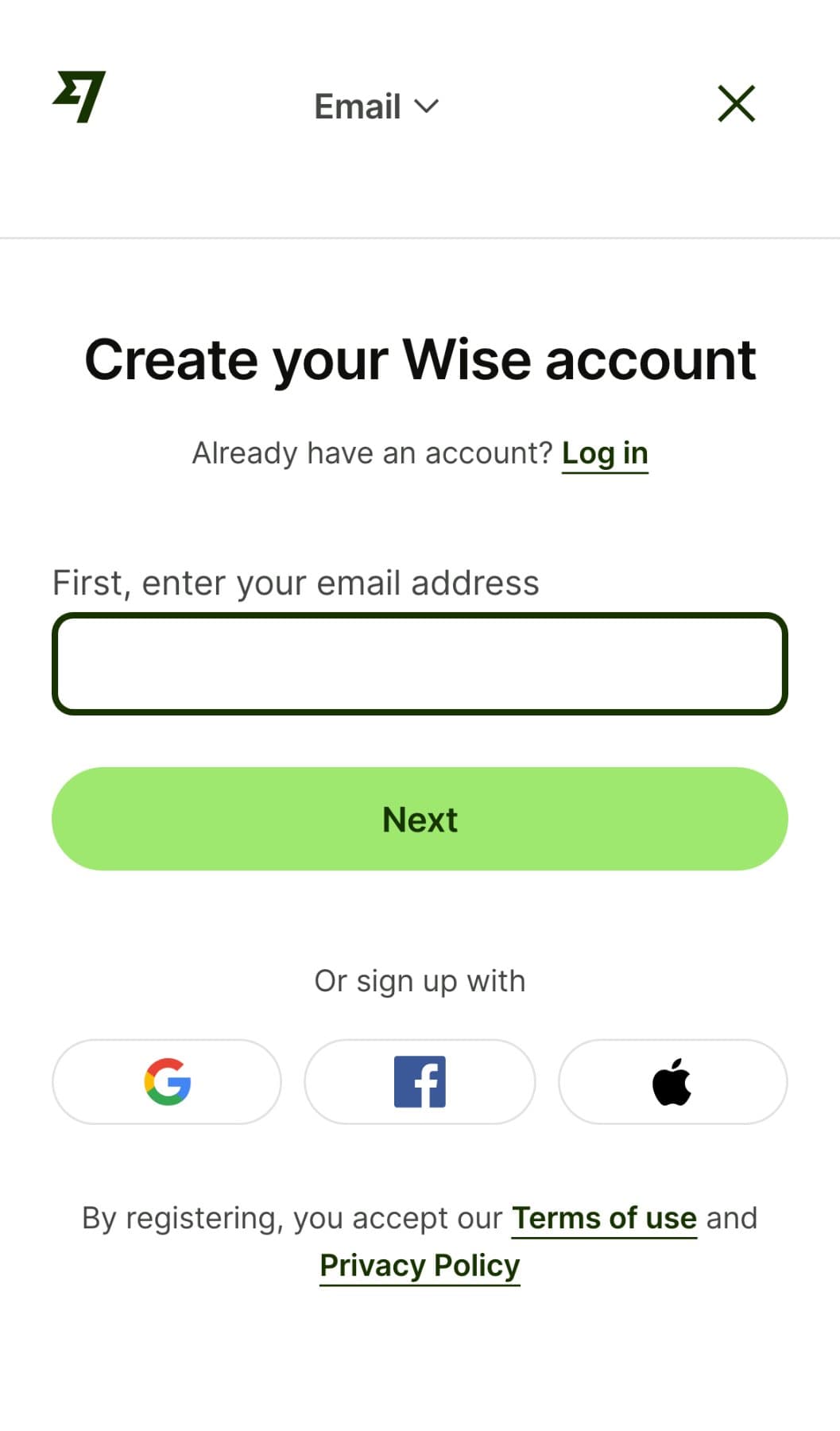
05Sign-up: the email step
- 7
Good · Sign-up starts with one field, its label in view, asking for an email address.
- 7
What fails
| Severity | What we found |
|---|---|
| 1Medium | On arrival, a help pop-up, plus a floating “Ask” button, covers the transfer calculator. The “You send” field sits behind help nobody asked for. |
| 2Medium | A visitor from Pakistan lands on the US site. The switch is a text banner that takes about 15% of the opening screen, not an automatic choice or a main button. |
| 3Medium | Further down the page, the help pop-up opens again, over a section heading. |
What works
- 4
“Open an account” sits on the opening screen: one main button, full width, in thumb reach.
- 5
The headline says what you get, sending money abroad for less, with its proof beside it: 50+ currencies, no hidden fees.
- 6
At every decision point, one filled main button, one text link. Never two that compete.
- 7
Sign-up starts with one field, its label in view, asking for an email address.
The score
96 out of 100
no critical finding
Every mark that counts names its rule. One critical finding caps the whole rating. The score assesses the site against those rules. It is not a sales forecast.
We show what is good, what is bad, never the fix. The fix is what clients pay for.
Step 1 costs you one email